
Google Business Profile
Can I use my home address for my Google Business Profile?
Yes. You give Google the address so it can verify you, then switch off showing it. Maps then shows your service area, not your house.
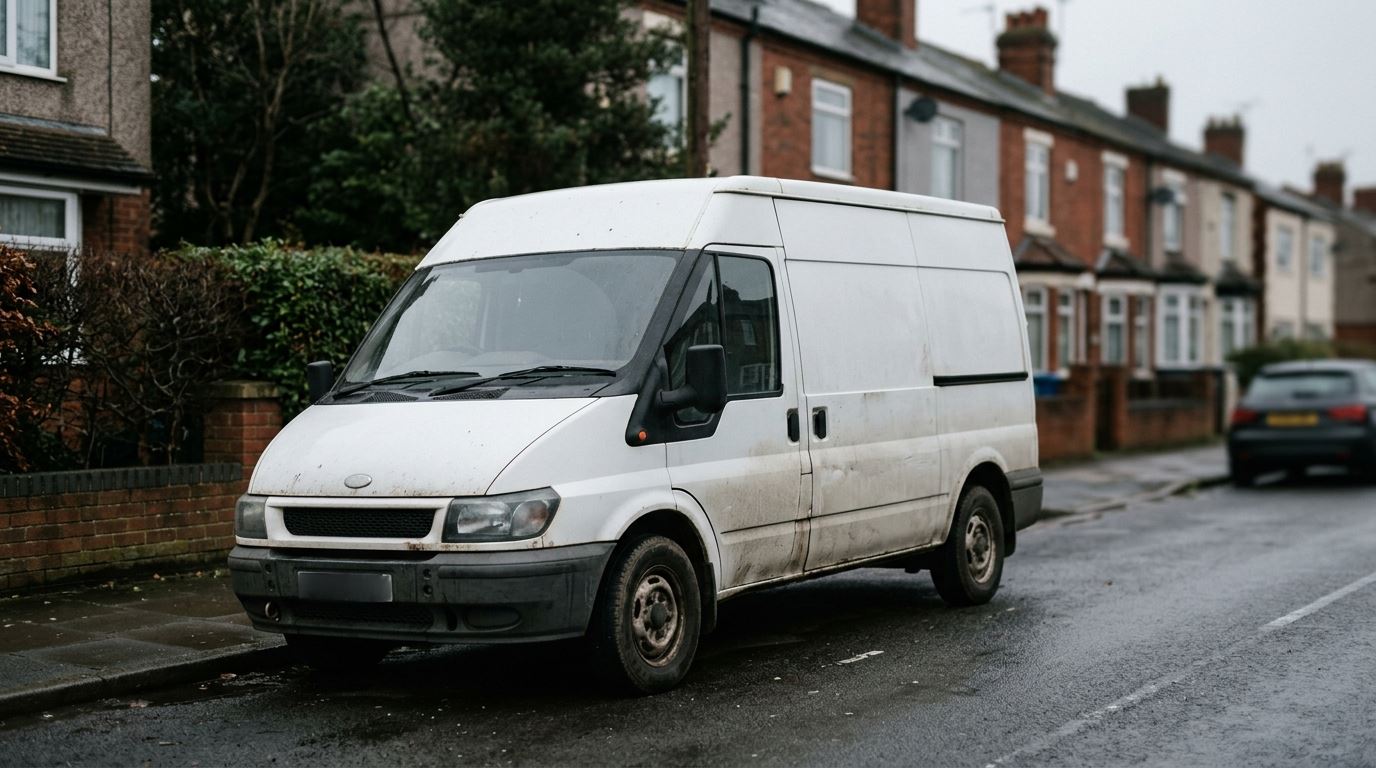
The short answer
Google's help page says both halves; most write-ups run them together. “The address on your Business Profile is public.” And: “If you don't serve customers at your business address, such as for a service-area business, you can choose to not show your address and list your service area instead.”
You still enter it: “To verify your business, enter a business address that Google can find.” Entering it and showing it are different things. That is the whole answer.
The setting is Edit profile → Location → Business location, and the switch is “Show business address to customers”. Turn it off.
One piece of a longer list — the rest of the ways sparkies win work.
The category
Why Google says a van is not a shop
Google has a name for you: a service-area business — “A business that visits or delivers to customers directly but doesn't serve customers at their business address”. The example given is a plumber.
The line that settles it:
“If your business doesn't have permanent on-site signage, it's not eligible as a shop front and should be listed as a Service Area Business.”
Google Business Profile Help, “Set your service area”
No board on the front of the house means no shop front. That is the category you belong in, not a dodge. Google puts it as an instruction: “If you don't serve customers at your business address, remove your address from your Business Profile.”
One profile only: “Service Area Business can only have one profile for the whole area that they serve”. Not one for Mansfield and another for Worksop.
The actual fear
What people actually see when you hide it
The worry that stops most sparkies is that switching the address off makes them disappear. A sparky asked exactly this on r/ukelectricians in August 2026 and got no documented answer. One reply just said he had swapped his own address for an area, because of who is on the internet.
Google's words: “If you hide your business address, your Business Profile will only show your service area. If you don't enter a service area, a local area is chosen for you.”
So you do not vanish. You show as an area instead of a pin on your house — and if you leave the area blank, Google picks one.
Google still knows where you are based. Distance is one of the three things it names as deciding local results: “Distance refers to how far each business is from the customer who's searching.” Hiding the address changes what the public sees, not what Google holds.
Past that, the ranking blogs guess. How a hidden-address profile performs against one showing an address, Google does not document. Anyone who says they know has not read it anywhere official.
The bit to get right
Setting your service area
Google's rules here are short and specific.
- Up to 20 service areas.
- No radius. “You can't set your service area as a radius distance around your business.” It has to be towns, postcodes or other named areas.
- “The boundaries of your overall area shouldn't be more than about two hours of driving time from where your business is based.”
- “If approved, service area edits may take up to 48 hours to show on your Business Profile.”
Mine, not Google's: list the towns you actually drive to, not the whole county. Anywhere you would talk yourself out of going only buys you calls you turn down.
The real risk
The three things that will get you suspended
Using your own address and hiding it is not one of them. These three are, and all three are written down by Google.
1. A bought or virtual address
The one sparkies reach for first: “If your business rents a physical postal address but doesn't operate out of that location, also known as a virtual office, that location isn't eligible for a Business Profile.”
2. A PO box
“PO boxes or mailboxes located at remote locations aren't acceptable.”
3. A coworking desk with nothing on the door
Allowed only on conditions: “Businesses can't list an office at a co-working space unless that office maintains clear signage, receives customers at the location during opening hours, and is staffed during opening hours by your business staff.” A hot desk on Thursdays does not meet that.
And what actually happens
The forums say you will get banned. Google's wording is weaker: it “reserves the right to suspend access to Business Profiles… to individuals or businesses that violate these guidelines”. Reserves the right to suspend. Not a reason to chance it — a reason to be sceptical of people quoting rules they have not read.
Getting live
Getting verified
It costs nothing:
“You can add or claim your business at no charge.”
Start at business.google.com/add, or find an unclaimed
listing on Maps and use “Claim this business”.
You do not pick the method: “Verification methods are automatically determined by Google and can't be changed.” Phone, text, email, video call, or postcard. Where video is offered, “we recommend that you use this option”.
Then you wait: a “verification review can take up to five working days”. After that, edits “usually take about 10 minutes to show up. In some cases, it can take up to 30 days.”
One shortcut: if you have a site, Search Console can verify you instantly — where the site on your profile is verified there under the same Google account.
None of this touches Companies House. If you trade as a Ltd, section 243 of the Companies Act 2006 stops your home address going to credit reference agencies: £100, at least 30 days, and not available if it is also the registered office — which stays public regardless. GOV.UK, 11 August 2026.
Straight answer
What this will not do
A finished profile does not buy you a position:
“There's no way to request or pay for a better local ranking on Google.”
Google Business Profile Help, “Improve your local ranking on Google”
A finished profile is the ticket, not the seat, and the ticket is free. After that it is relevance, distance and prominence — and prominence includes how many reviews you have, which brings up the review rules that changed in 2025. Asking is allowed. Paying is not.
It is also one channel out of several: where a Google listing sits in the whole picture.
Questions
Questions sparkies ask
Will people see where I live?
Switch the display off: Edit profile → Location → Business location, then turn off “Show business address to customers”. The profile shows your service area instead.
How can I get my business to show up on Google Maps?
Create a profile at business.google.com/add, or claim an unclaimed listing from Maps, then get verified. Set up as a service-area business and list the towns you cover.
Is it free to put my business on Google Maps?
Yes. Google's sentence is “You can add or claim your business at no charge.” Nothing to pay, nothing to cancel.
How do I claim a company on Google Maps?
Find the listing on Maps and use “Claim this business”. Same verification as a new profile. If someone else has verified it, you request access through Google.
How long does it take for my business to show up on Google Maps?
A verification review can take up to five working days. After that, edits usually appear in about ten minutes, though Google warns it can be 30 days.
Can I buy a business address instead?
No. A rented postal address you do not operate from — a virtual office — is not eligible, and nor are PO boxes or remote mailboxes.
Can I have a separate profile for each town I cover?
No. Google says a Service Area Business “can only have one profile for the whole area that they serve”. One profile, up to twenty areas.
Does hiding my address hurt my ranking?
Nobody honestly knows. Google does not document it and I have found no primary source either way. It does publish that distance is measured from where you are based.
Can I pay to come up first?
No. Google: “There's no way to request or pay for a better local ranking on Google.” Ads buy an ad slot, not a local result.
Everything quoted is Google's own en-GB wording, read 29 August 2026, apart from the Companies House paragraph (GOV.UK). If it has moved, message me on WhatsApp and I will fix it.